AD: This post contains affiliate links. If you purchase through these links, I may earn a small commission at no extra cost to you.
Success in Japan travel comes down to two things: constant connectivity and seamless mobility. As of 2026, Japan’s travel infrastructure has evolved significantly. The days of lining up for physical SIM cards or rentals are over—digital-first preparation is now the gold standard.
Based on the latest traveler reviews and technical data, here are the absolute best choices you should make today.
Internet Connectivity: Connect from “Minute Zero” with eSIM
eSIM is the standard for internet in Japan, but choosing the wrong provider or messing up the setup means no internet the moment you land. Read these warnings carefully before choosing.
🏆 Overall No. 1: Airalo – The Safest Choice
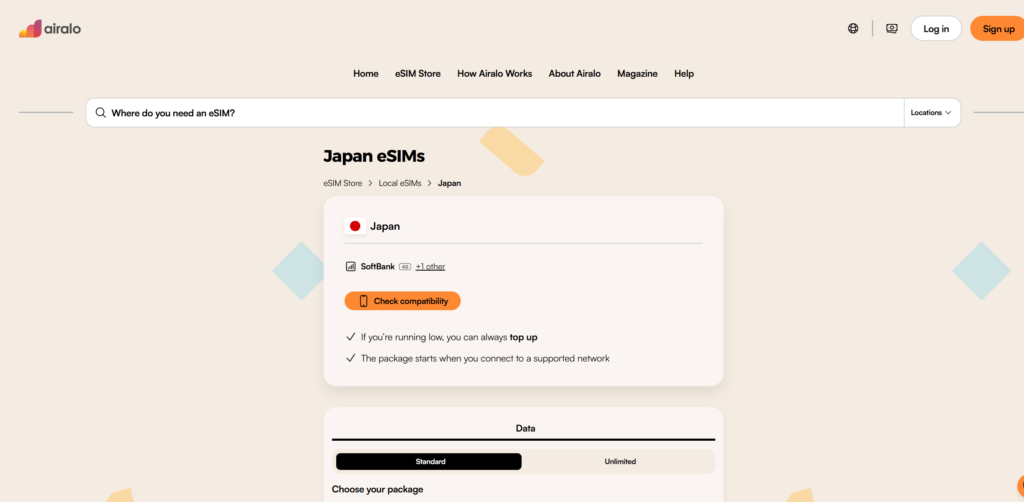
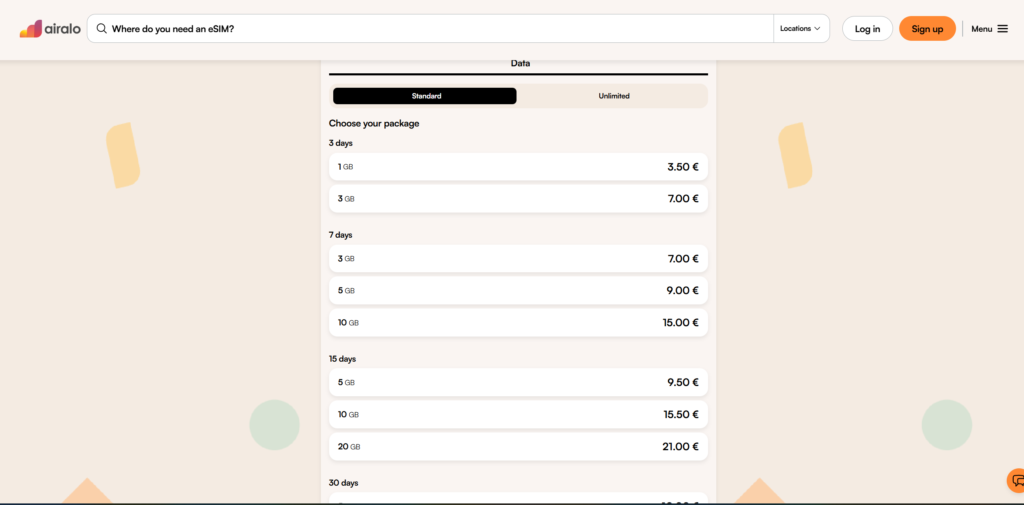
- Recommended Plan: “Moshi Moshi” (Japan)
- Why: The app is user-friendly and the setup is intuitive. It uses SoftBank and KDDI networks, ensuring stable connection nationwide—from Tokyo subways to Hokkaido ski resorts.
⚠️ 【CRITICAL WARNING: The Airport Wi-Fi Trap】 Think you can just set up your eSIM using the free airport Wi-Fi when you arrive? Don’t. Japanese airport Wi-Fi (especially Narita and Haneda) has strict security that often blocks eSIM activation signals. Must do: Download the app and complete the installation BEFORE you leave your home country. The plan’s validity won’t start until you actually catch a Japanese signal.
👉 [Check Airalo (eSIM) here] (https://airalo.tpm.lv/uqJgZq2A)
(Install now if you want to avoid being stranded without data at the airport.)
⛔️ 【ATTENTION】 Google Pixel users should avoid “Ubigi”
While many blogs recommend Ubigi, latest reports (2025-2026) show severe connection issues with the Google Pixel series (especially Pixel 7, 9, and 10). Users report seeing signal bars but getting zero data flow. Pixel users are much safer sticking with Airalo.
Best for Groups & Families: Two Smart Ways to Choose Pocket Wi-Fi
If you need to connect multiple phones or laptops for a whole family, rental Wi-Fi is more economical than multiple eSIMs. Here are the right choices for “Airport Pickup” vs. “Hotel Delivery.”
Why 4G instead of 5G? Latest 5G routers drain batteries fast (lasting only 6–9 hours), risking a dead device mid-sightseeing. 4G models have superior battery life, better signals inside buildings/basements, and are much cheaper.
🅰️ For those who want it immediately: Airport Pickup with Perks
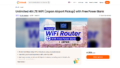
- Product: Unlimited 4G LTE WiFi (Japan Airport Pickup) with Free Power Bank
- Provider: Ninja WiFi
- Why: Pick it up instantly at Narita, Haneda, or Kansai counters. The biggest perk is the FREE Power Bank included, solving your phone charging worries simultaneously.
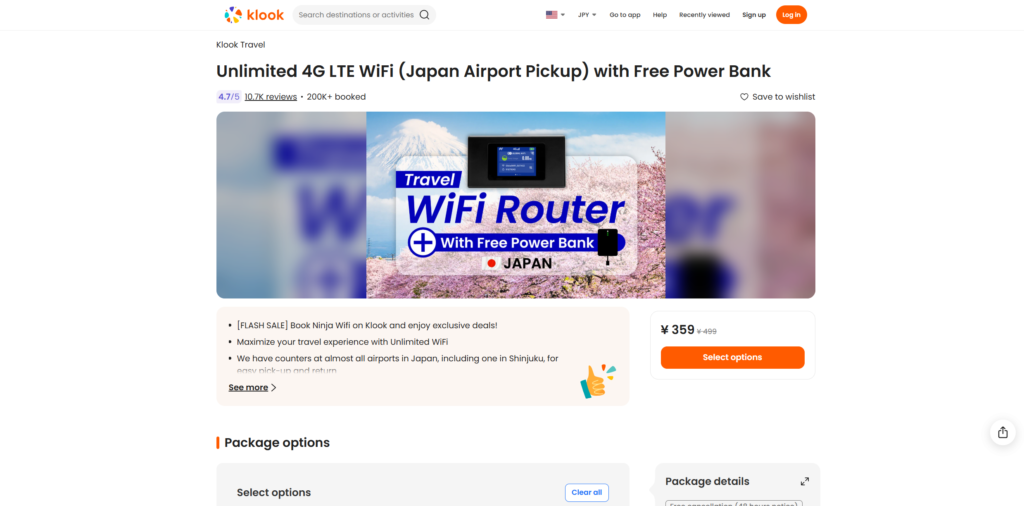
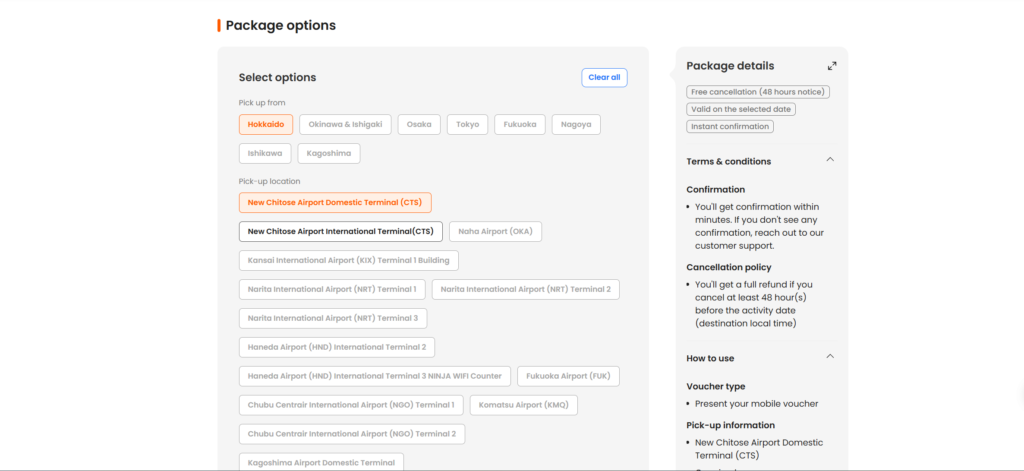
👉 [Book “Airport Pickup + Battery” on Klook] (https://klook.tpm.lv/NprYuUbl) (Secure your data at the arrivals lobby. Stay powered up with the spare battery.)
🅱️ For Late Arrivals/Light Travelers: Hotel Delivery & Mail-back
- Product: 4G WiFi (Unlimited Data) & Powerbank (JP Hotel Two Way Delivery)
- Provider: Japan Wireless
- Why: If you arrive late at night, airport counters might be closed. This plan ensures the device is waiting for you at your hotel front desk.
- Easy Return: Simply put it in the provided envelope and drop it in any Japanese mailbox before you fly out. No need to line up at airport counters.
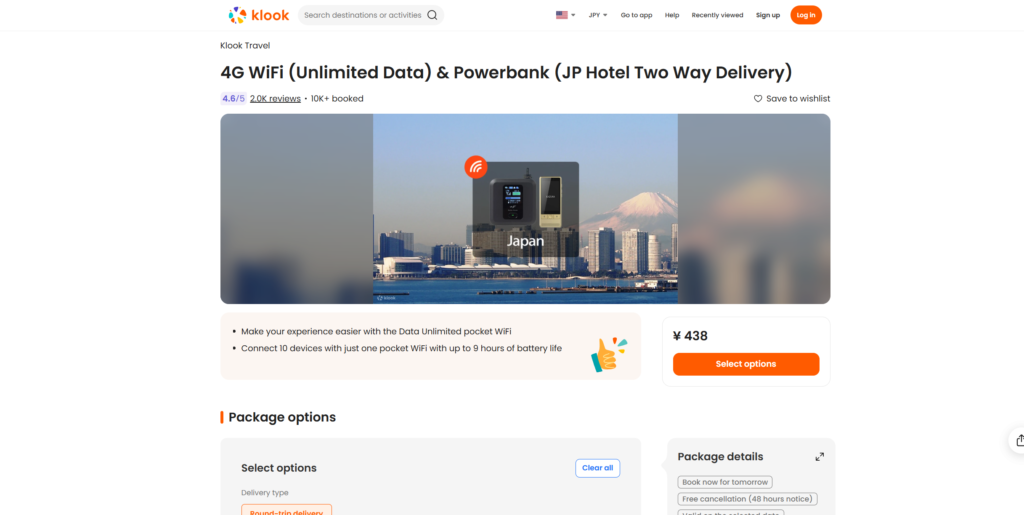
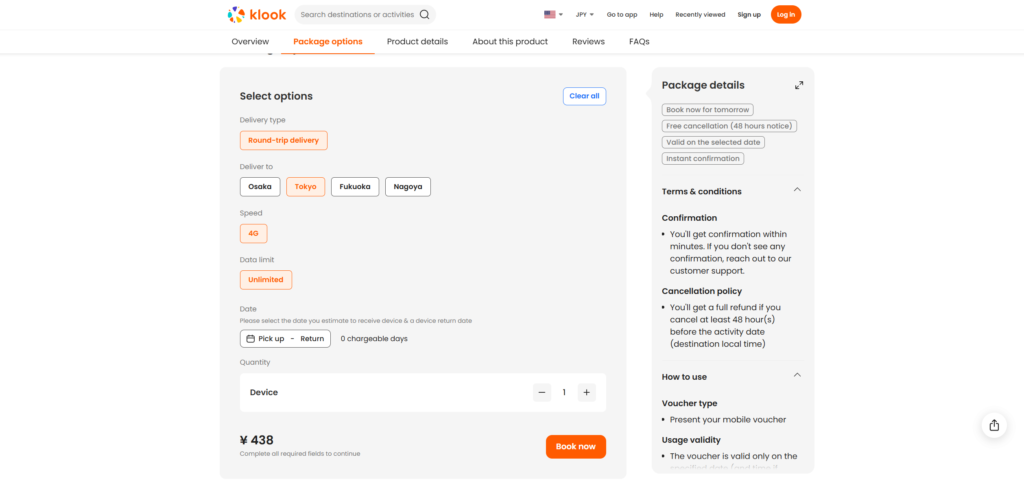
👉 [Book “Hotel Delivery + Mail-back” on Klook] (https://klook.tpm.lv/wmriKUc6) (For smart travelers arriving late or wanting zero wait time at the airport.)
Transportation Essentials: IC Cards & Express Tickets
Essential for trains, buses, and convenience stores. Whether it’s called Suica, Pasmo, or ICOCA, one card works across all of Japan (Tokyo, Kyoto, Osaka, Fukuoka, etc.).
iPhone Users: Mobile Suica
- How: Add and top up Suica directly via the Apple Wallet app. No physical card needed. You can recharge anytime using your registered credit card.
⚠️ Android Users: Physical Card Required
- Warning: Non-Japanese Android phones (Pixel, Galaxy, etc. purchased abroad) cannot use Mobile Suica due to hardware differences (FeliCa).
- Solution: You must get a physical card (like the “Welcome Suica”).
【Pro Tip】 Ticket machines for the Shinkansen (Bullet Train) or Airport Expresses (like the Skyliner) often have massive lines. You can skip the queue by pre-booking these long-distance tickets on Klook.
👉 [View Shinkansen & Express Tickets on Klook] (https://klook.tpm.lv/onLfz1rO) (Skip the station lines and secure your seat in advance.)
Crucial Pre-Arrival Setup
Pro advice to prevent arrival-day headaches:
- 2FA/OTP Strategy: To receive SMS codes for banking apps, keep your primary SIM (home country) “ON” but turn “Data Roaming” OFF. This allows you to receive emergency SMS without incurring massive data roaming charges.
- Offline Map Download: Just in case of a connection hiccup, use the “Offline Maps” feature in Google Maps to download maps for Tokyo or Osaka beforehand.
Conclusion
- Best Balance: Airalo eSIM + Mobile Suica (iPhone)
- Android Users: Get a physical IC card and book Express tickets via Klook.
- Group Travel: Rent Pocket Wi-Fi via Klook.
- Daytime arrival? → [Airport Pickup + Battery]
- Late night arrival? → [Hotel Delivery + Mail-back]
Get your prep done and have an incredible trip to Japan!
コメント